Instalar NG Launcher en Android
Android 8 o superior. La app se actualiza sola, sin necesidad de descargarla de nuevo. Comparte cuenta y coin con NicG Launcher en PC.
NG no proporciona los juegos. Debes instalar los juegos por tu cuenta; NG Launcher solo instala el doblaje, la traducción y los mods.
Descargar NG Launcher (.apk)Método 1: descargar directamente en el teléfono
- 1
Download installer
Open this page in Chrome on your phone, tap Download NG Launcher (.apk). If Chrome asks to keep the file, tap Download anyway.
- 2
Permitir instalación
- Pulsa Abrir en la notificación de descarga finalizada. Si te pide permiso para instalar aplicaciones de fuentes desconocidas, pulsa Configuración, activa Permitir desde esta fuente y vuelve.
- If Play Protect warns, tap More details, then Install anyway. The app is signed by NG, it is just not on Google Play.
- Xiaomi, Redmi, POCO: if prompted to wait for scanning, wait until it finishes then tap Install.
- 3
Sign in and install Vietnamese translation
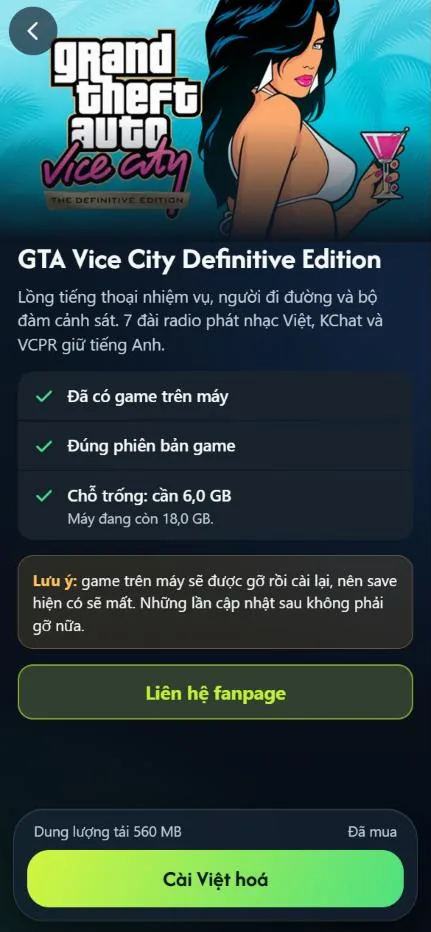
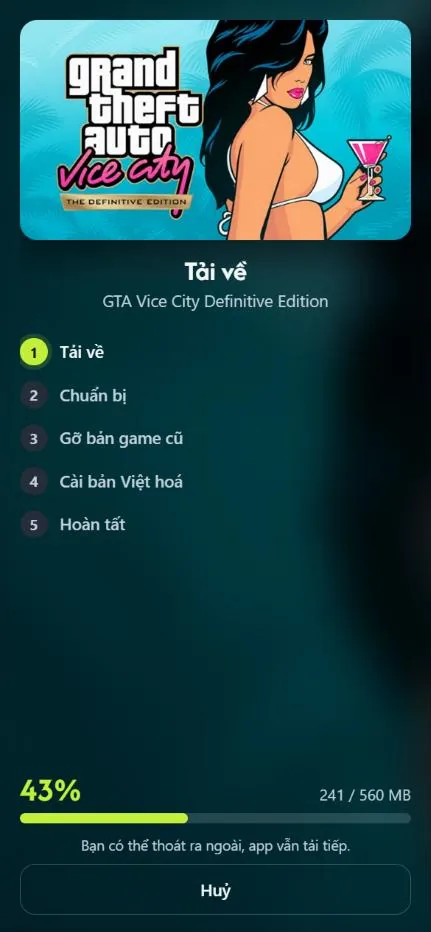
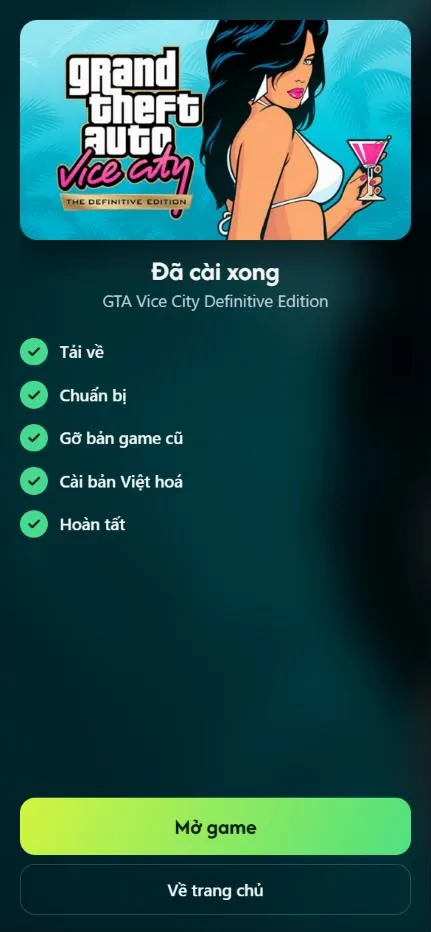
Open NG Launcher, log in with your NG account (the same account as on your PC). Select the game, click Install Vietnamese Dub, and the app will automatically download and install it. Once done, click Play.
Método 2: instalar mediante PC con cable USB
- 1
Activa la depuración por USB en el teléfono
- Ajustes, Acerca del teléfono, pulsa 7 veces en Número de compilación (o Versión de MIUI, HyperOS) para activar las Opciones de desarrollador.
- Go to Developer options and enable USB debugging. On Xiaomi, also enable Install via USB.
- 2
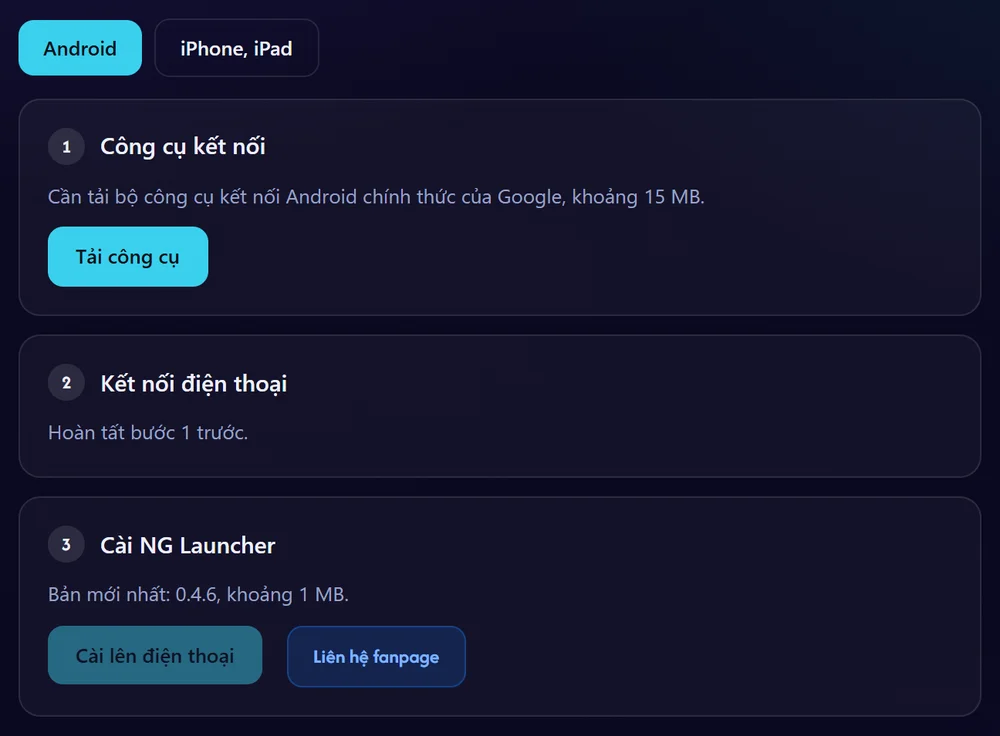
Instalar desde NicG Launcher
Open NicG Launcher on your PC, go to Mobile, select Android. Click Download tool, connect the cable, tap Allow on your phone when prompted, then click Install to phone.