Install NG Launcher on Android
Android 8 or above. The app updates automatically, no re-download needed. Shares account and coin with NicG Launcher on PC.
NG does not provide games. You install the game yourself; NG Launcher only installs voiceovers, Vietnamese localization, and mods.
Download NG Launcher (.apk)Method 1: Download directly on your phone
- 1
Download installer
Open this page in Chrome on your phone, tap Download NG Launcher (.apk). If Chrome asks to keep the file, tap Download anyway.
- 2
Allow installation
- Tap Open on the download complete notification. If prompted for unknown app installation permissions, tap Settings, enable Allow from this source, then return.
- If Play Protect warns, tap More details, then Install anyway. The app is signed by NG, it is just not on Google Play.
- Xiaomi, Redmi, POCO: if prompted to wait for scanning, wait until it finishes then tap Install.
- 3
Sign in and install Vietnamese translation
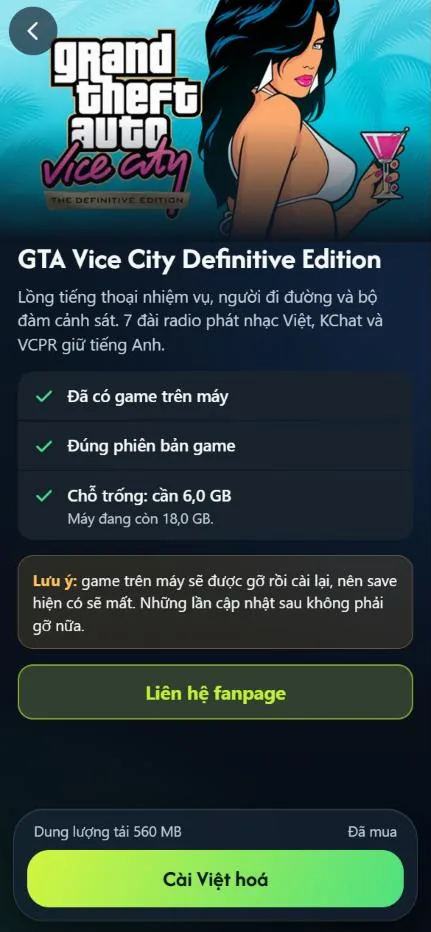
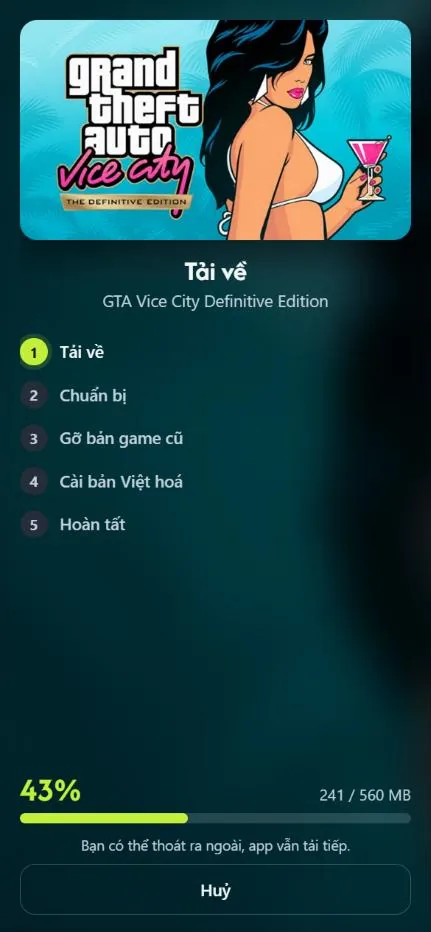
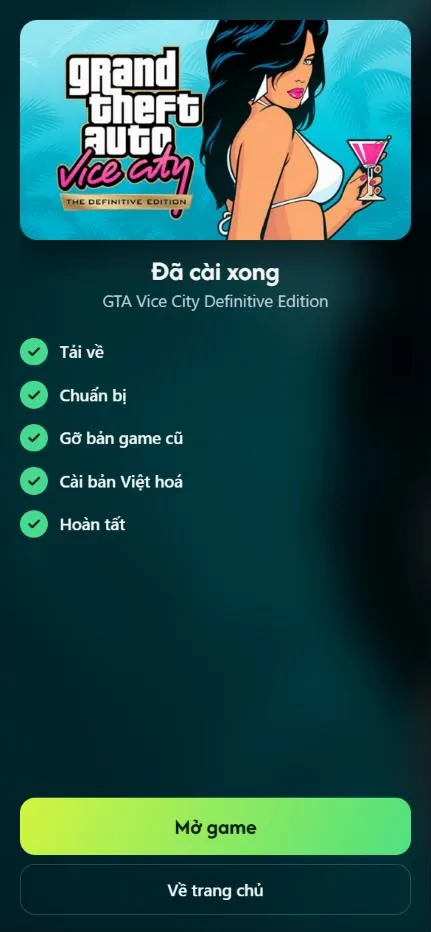
Open NG Launcher, log in with your NG account (the same account as on your PC). Select the game, click Install Vietnamese Dub, and the app will automatically download and install it. Once done, click Play.
Method 2: Install via PC using a USB cable
- 1
Enable USB debugging on your phone
- Settings, About phone, tap Build number (or MIUI version, HyperOS) 7 times to enable Developer options.
- Go to Developer options and enable USB debugging. On Xiaomi, also enable Install via USB.
- 2
Install from NicG Launcher
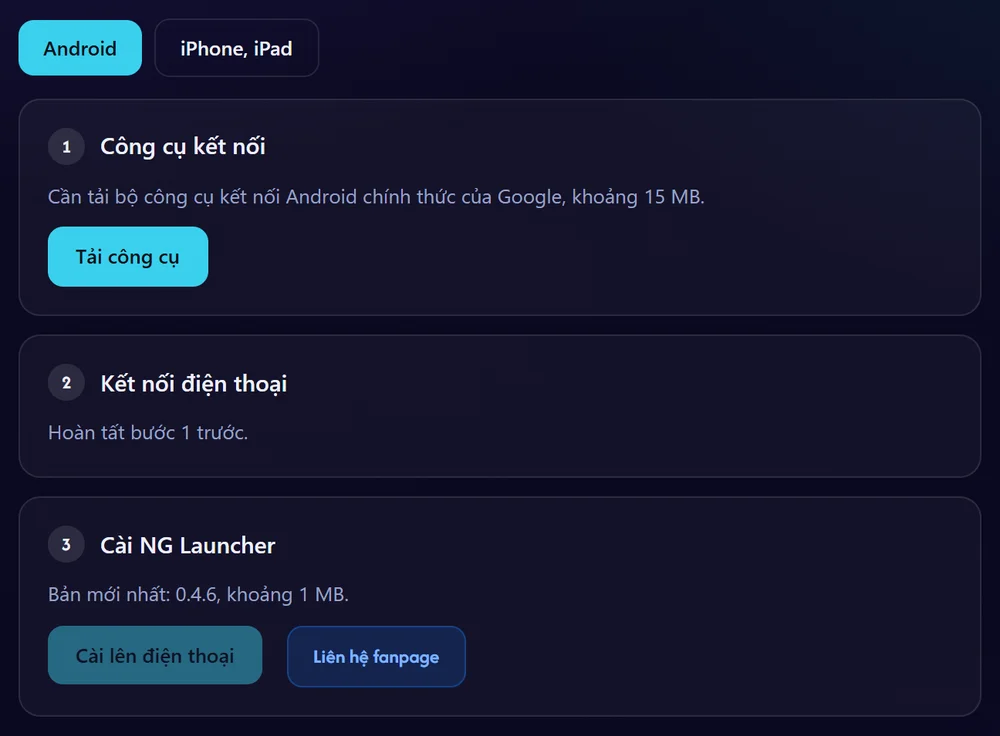
Open NicG Launcher on your PC, go to Mobile, select Android. Click Download tool, connect the cable, tap Allow on your phone when prompted, then click Install to phone.