

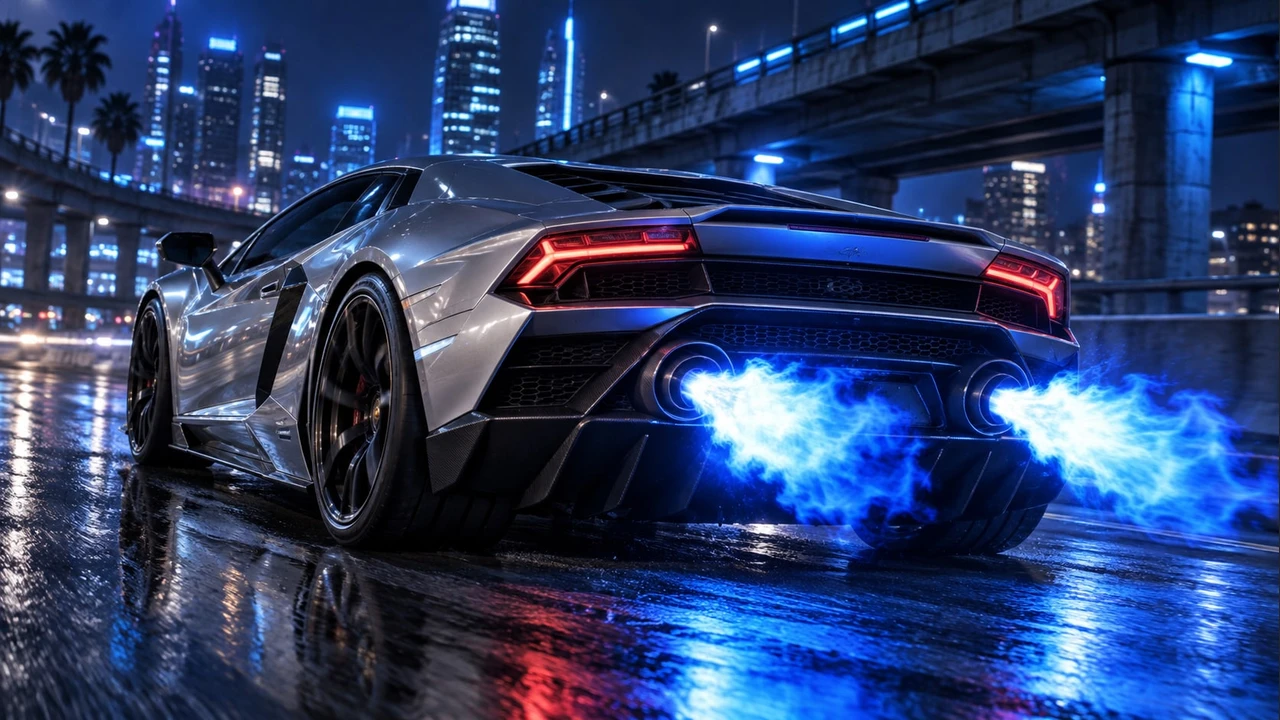













Centenario LP 770-4 Roadster
🚗 Phương tiện Add-on · 🏎️ Super
LEGTA V mods · Single-player
The whole process is automated, neat and clean - with just one click you get an experience that would normally take days to set up.
Library
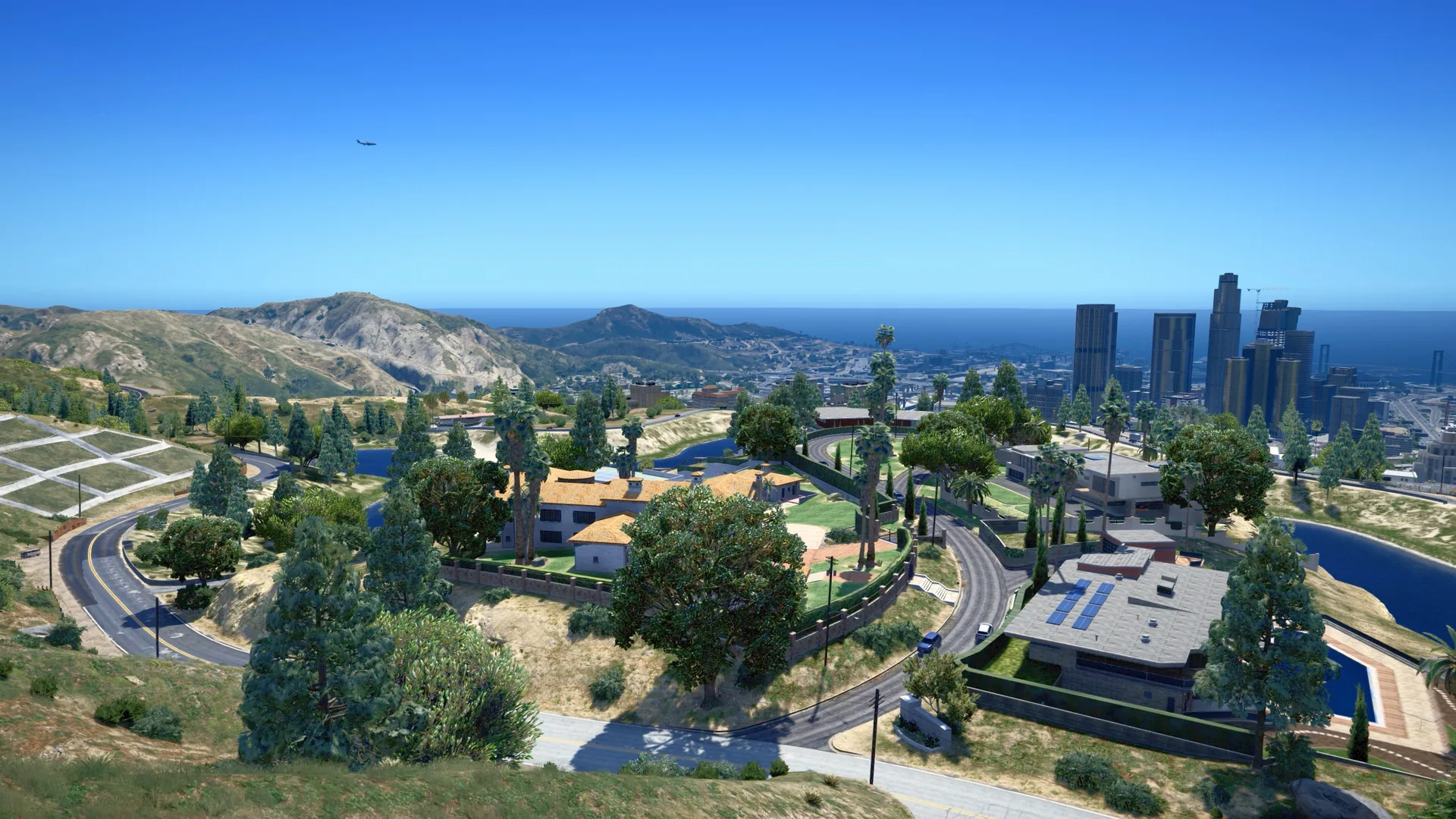
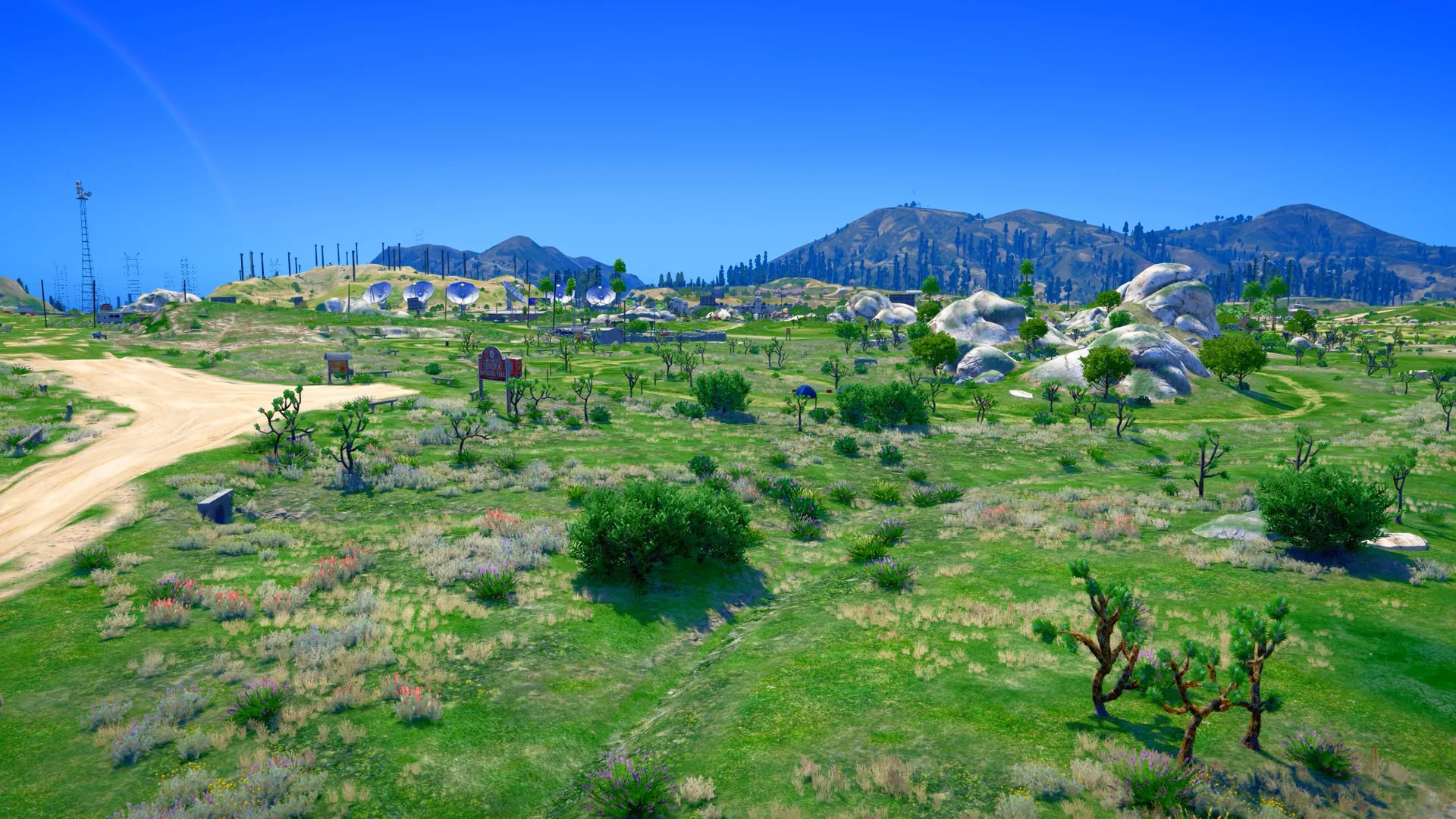
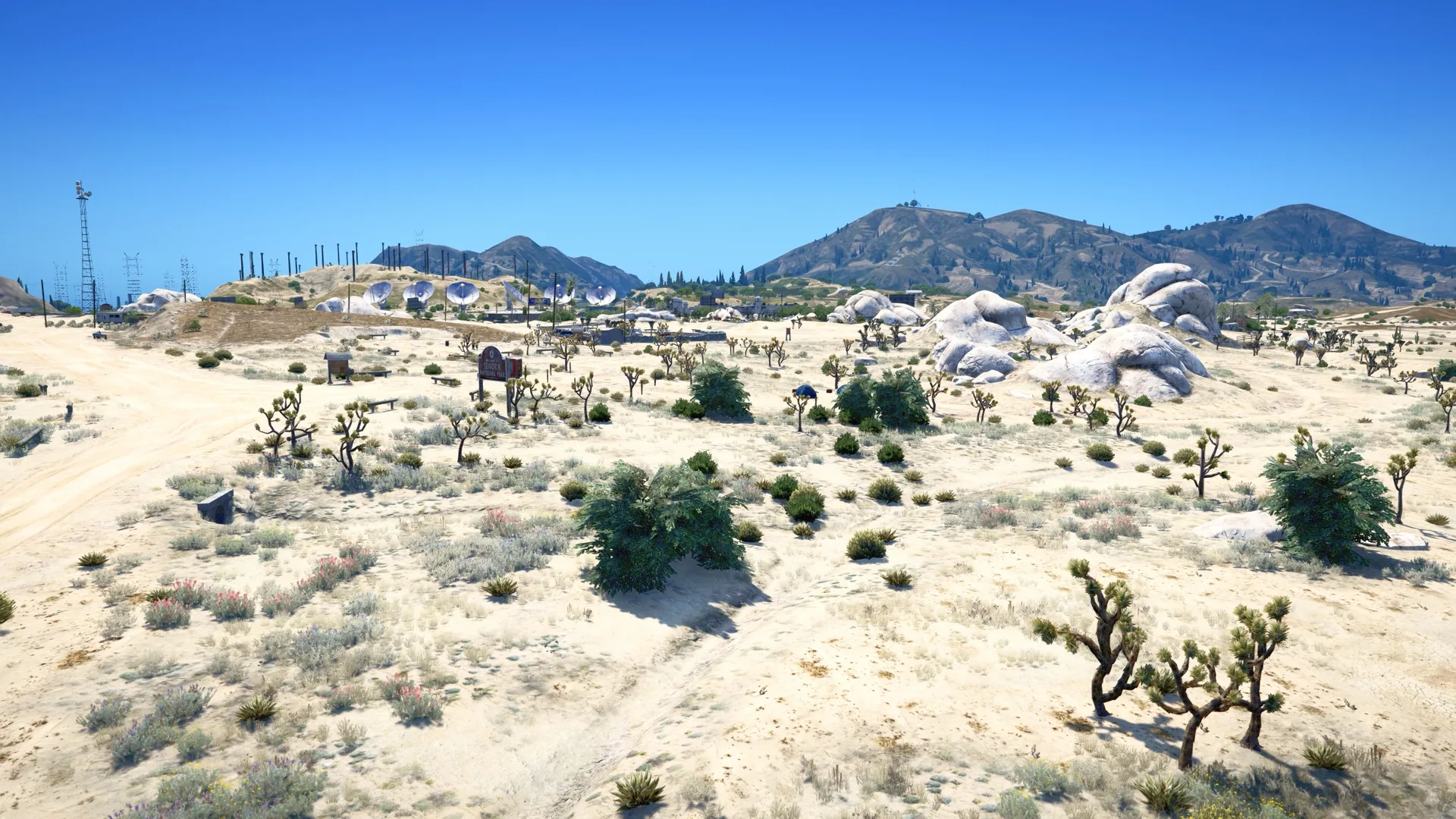
Before · After
Drag the slider in the middle of the image to compare before and after installing the mod.

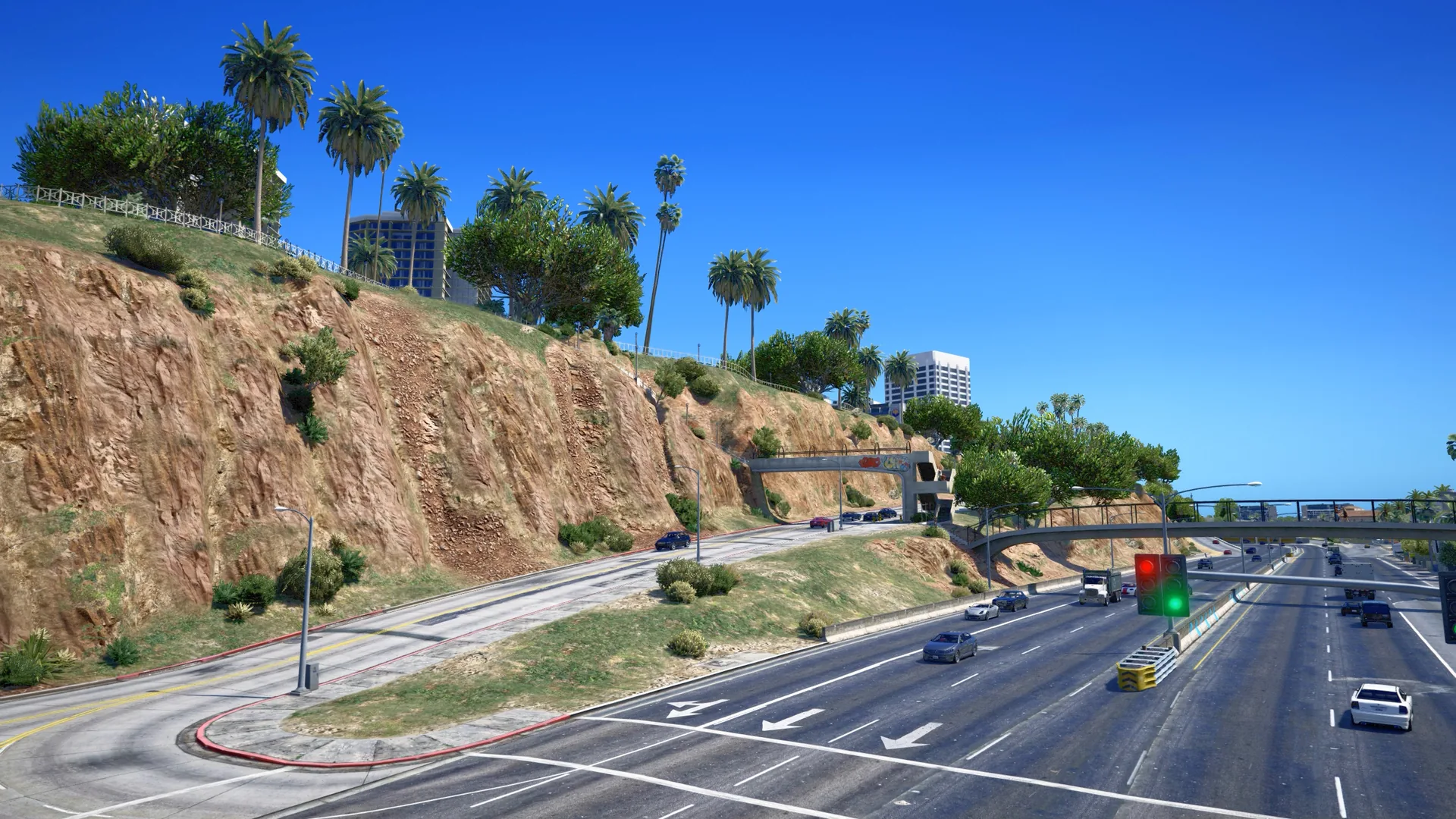






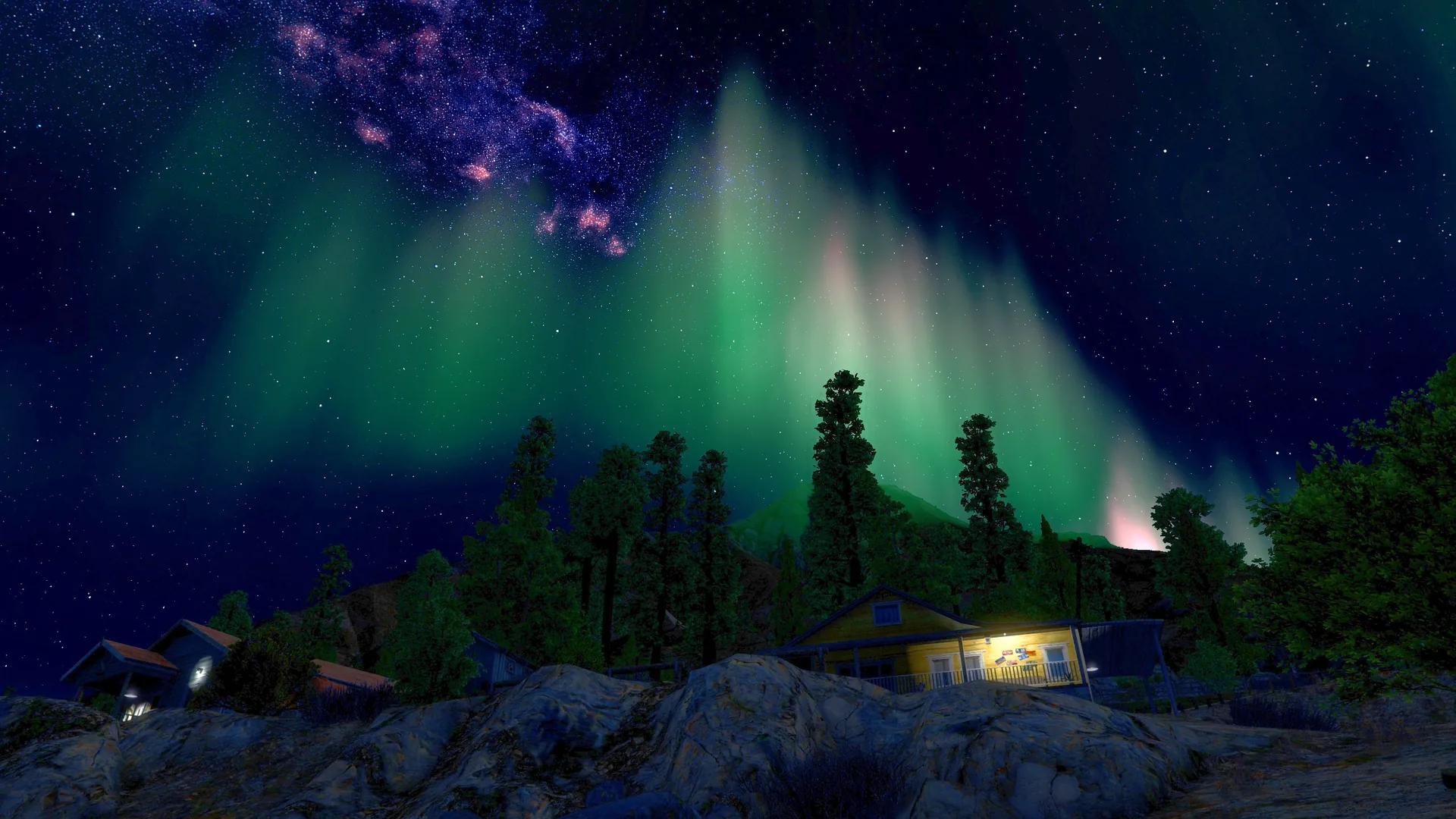
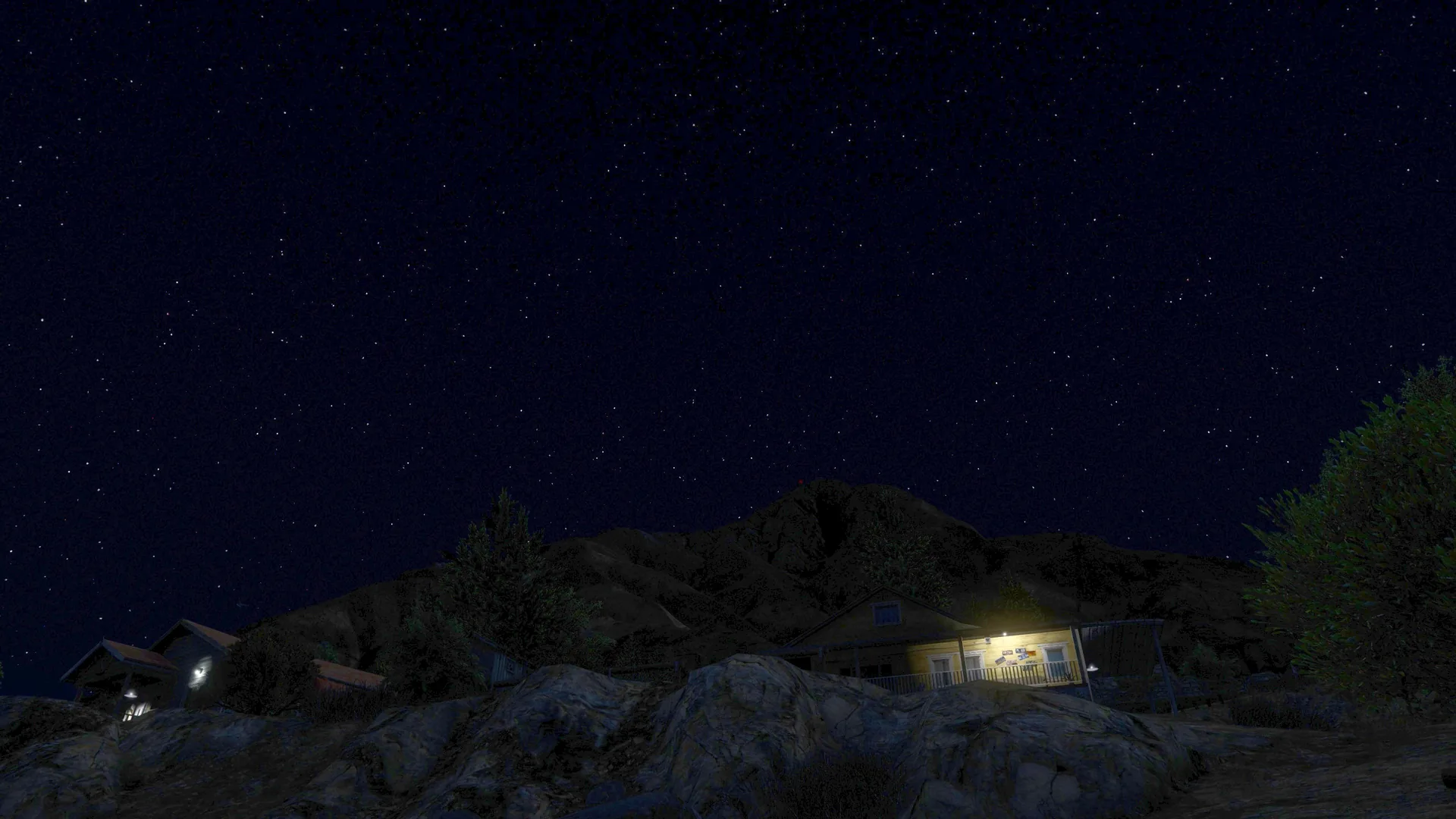
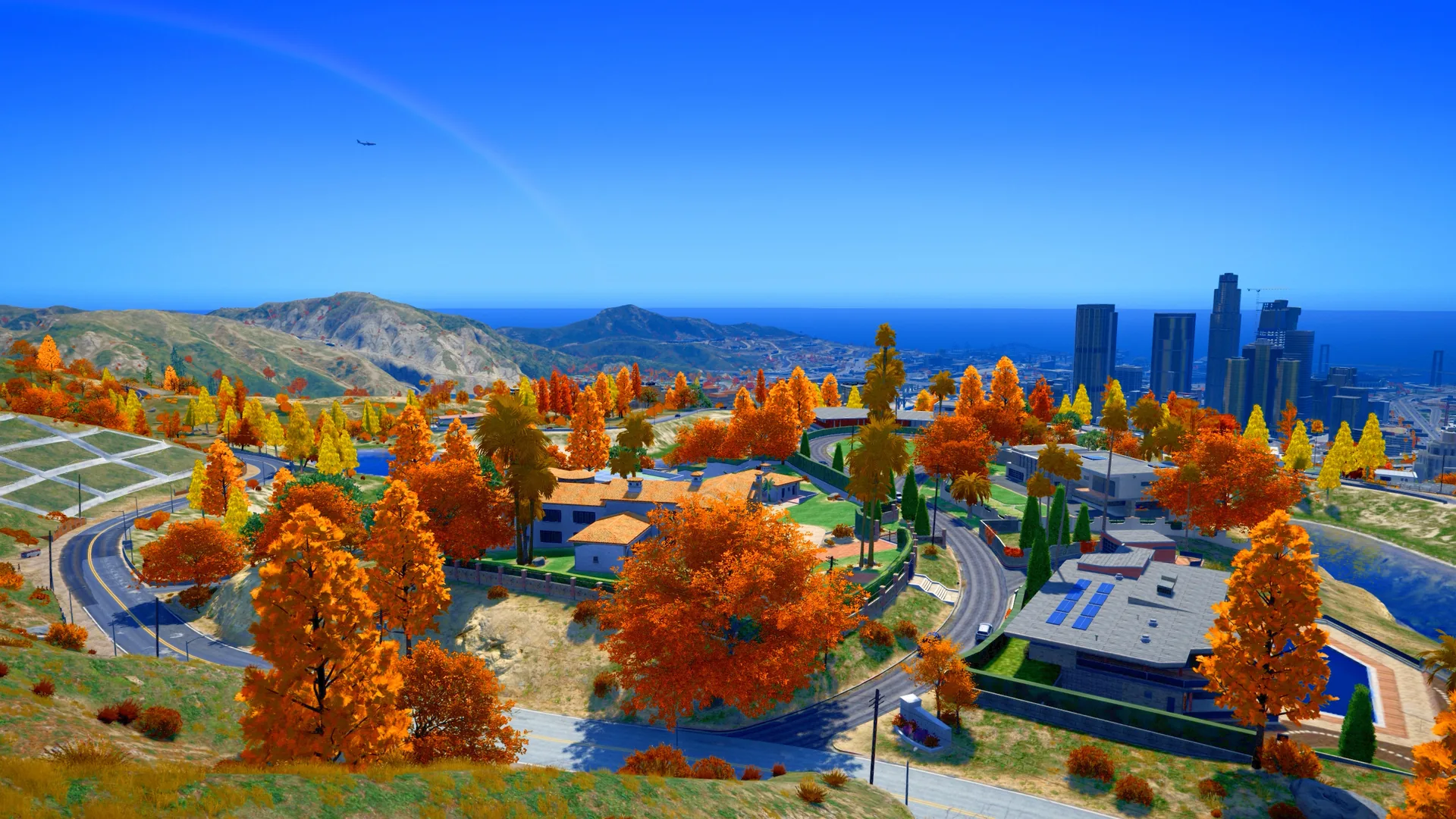
Special feature · Free for everyone
Leave Menyoo and old trainers behind. NG Trainer is an intuitive, easy-to-use mod menu, free for everyone using NicG Launcher. Open it with F4 and interact with the game in a single tap. Vehicles, characters, maps, clothing, and weapons all have visual previews to help you choose quickly.
🚗 Phương tiện Add-on · 🏎️ Super
LE
🚗 Phương tiện Add-on · 🏎️ Super
LE
🚗 Phương tiện Add-on · 🏎️ Super
LE
🚗 Phương tiện Add-on · 🏎️ Super
LE
🚗 Phương tiện Add-on · 🏎️ Super
LE
🚗 Phương tiện Add-on · 🏎️ Super
LE
🚗 Phương tiện Add-on · 🏎️ Super
LE
🚗 Phương tiện Add-on · 🏎️ Super
LE
🚗 Phương tiện Add-on · 🏎️ Super
LE
🚗 Phương tiện Add-on · 🏎️ Super
LE
🚗 Phương tiện Add-on · 🏎️ Super
LE
🚗 Phương tiện Add-on · 🏎️ Super
LE
Add-on Weapons · Shotguns
LE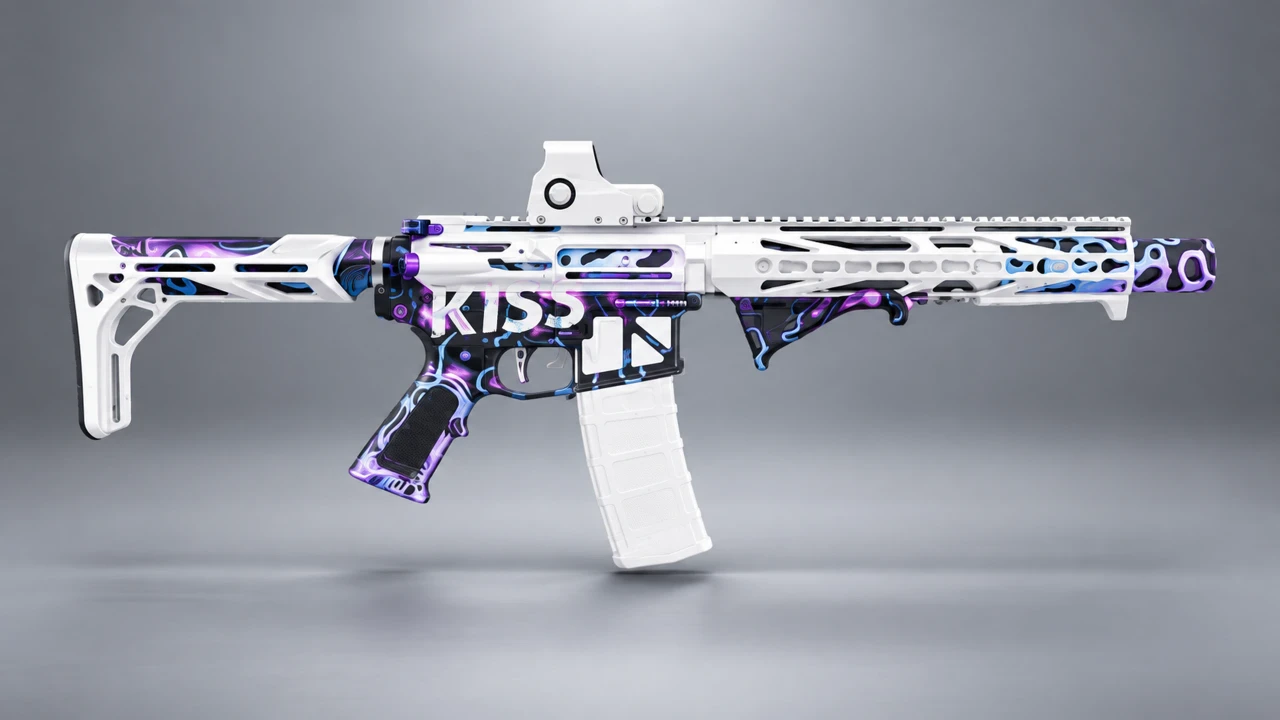
Add-on Weapons · Rifles
LE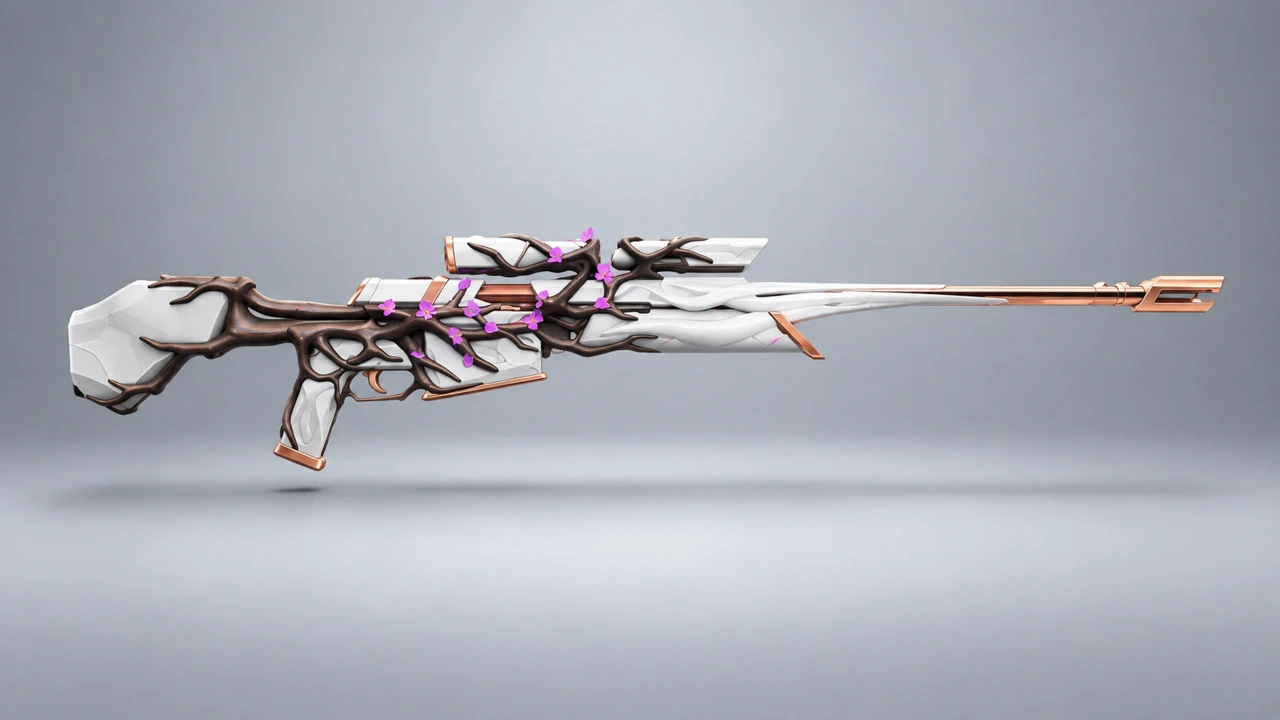
Add-on Weapons · Pistols
LE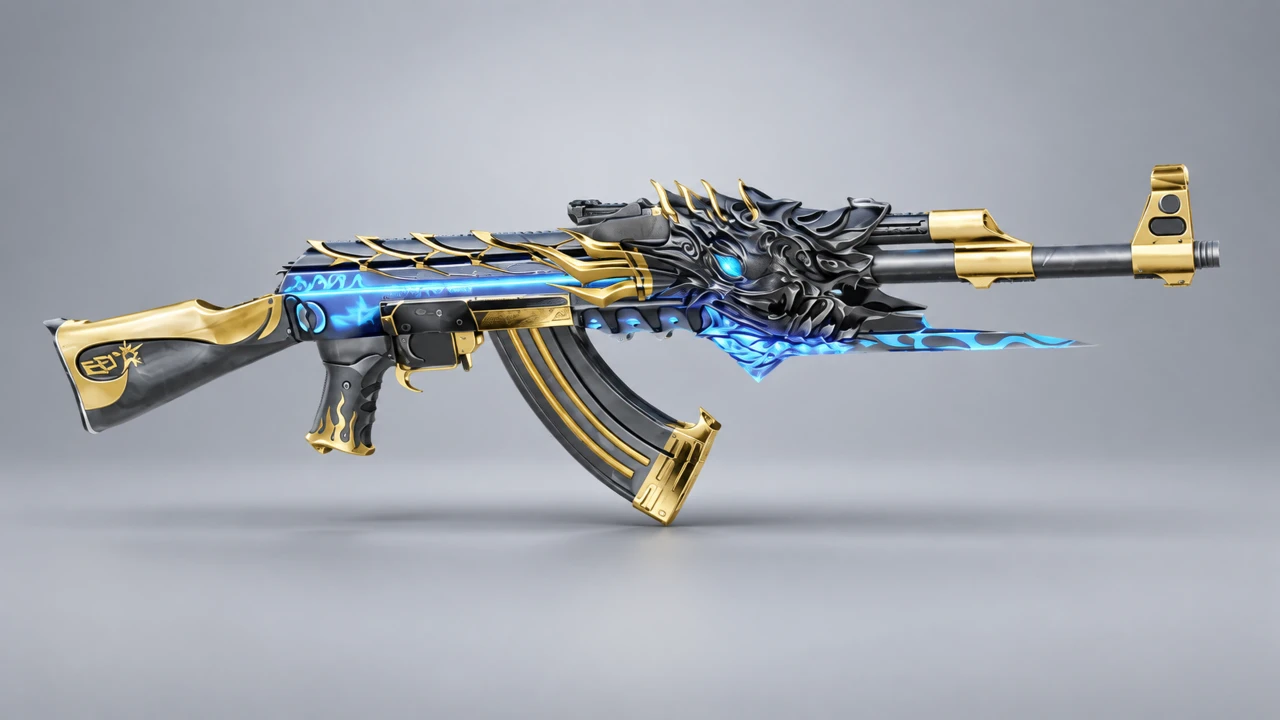
Add-on Weapons · SMGs
LE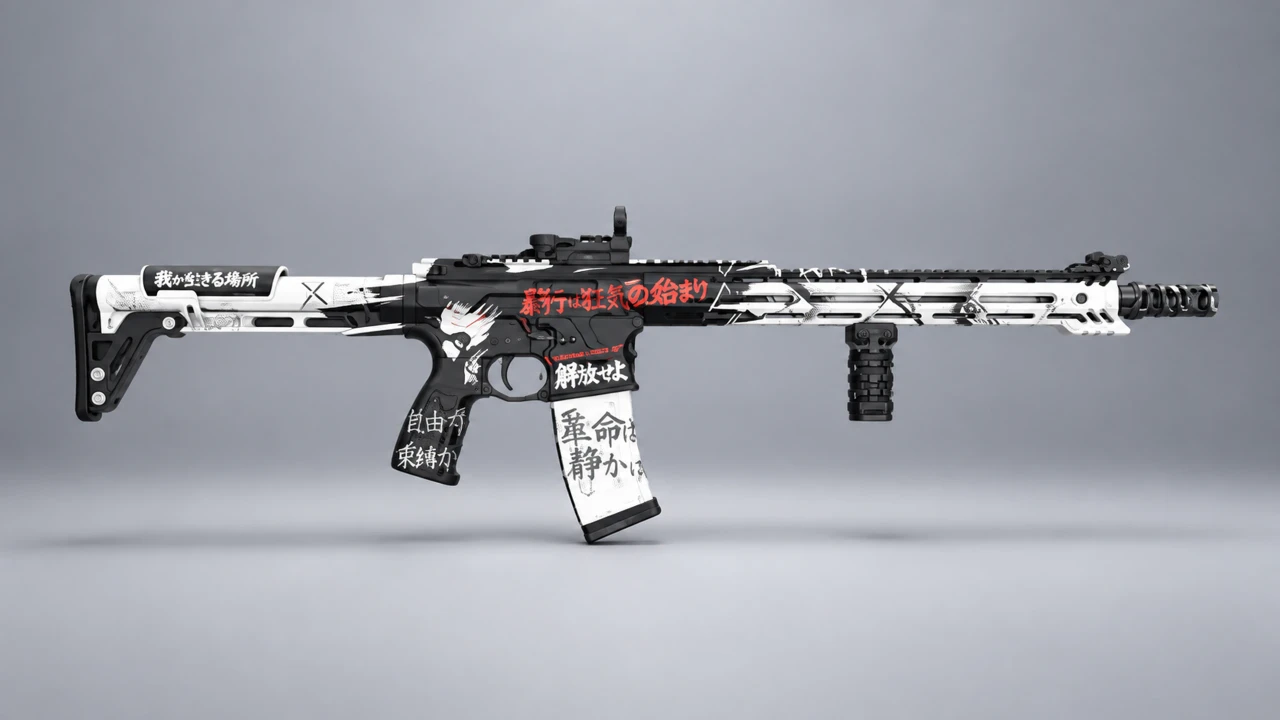
Add-on Weapons · Rifles
LE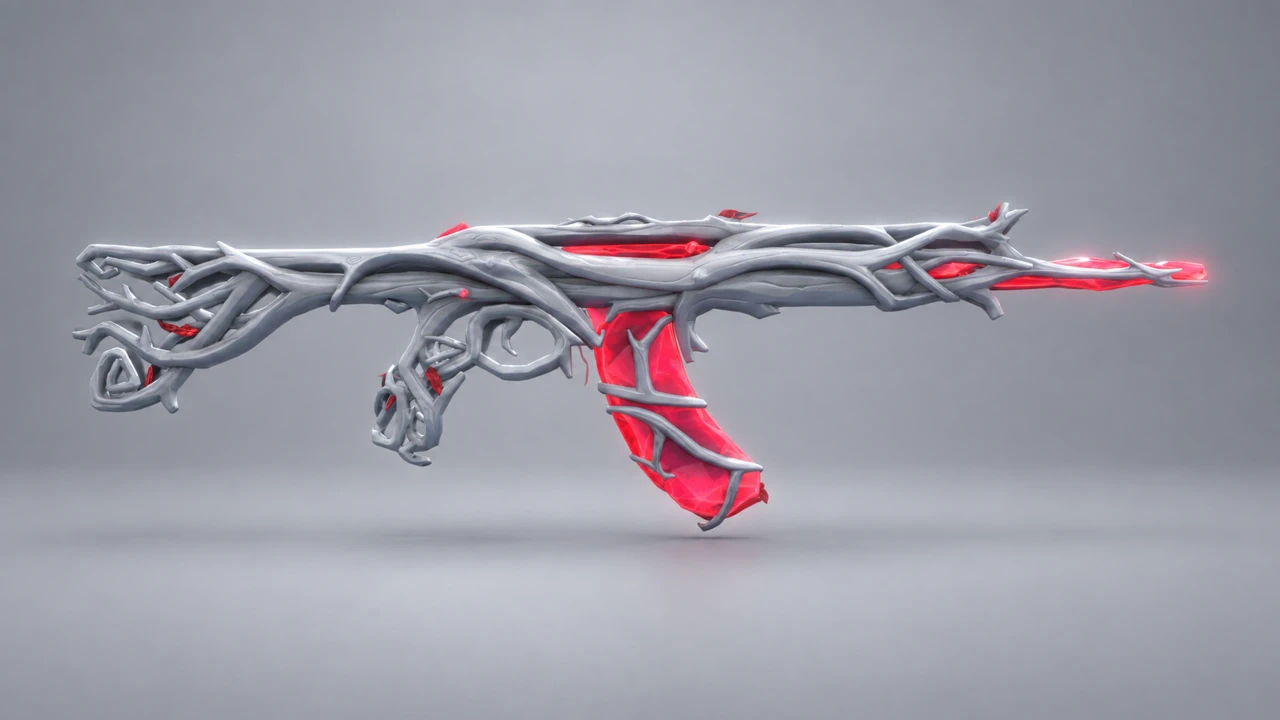
Add-on Weapons · Pistols
LE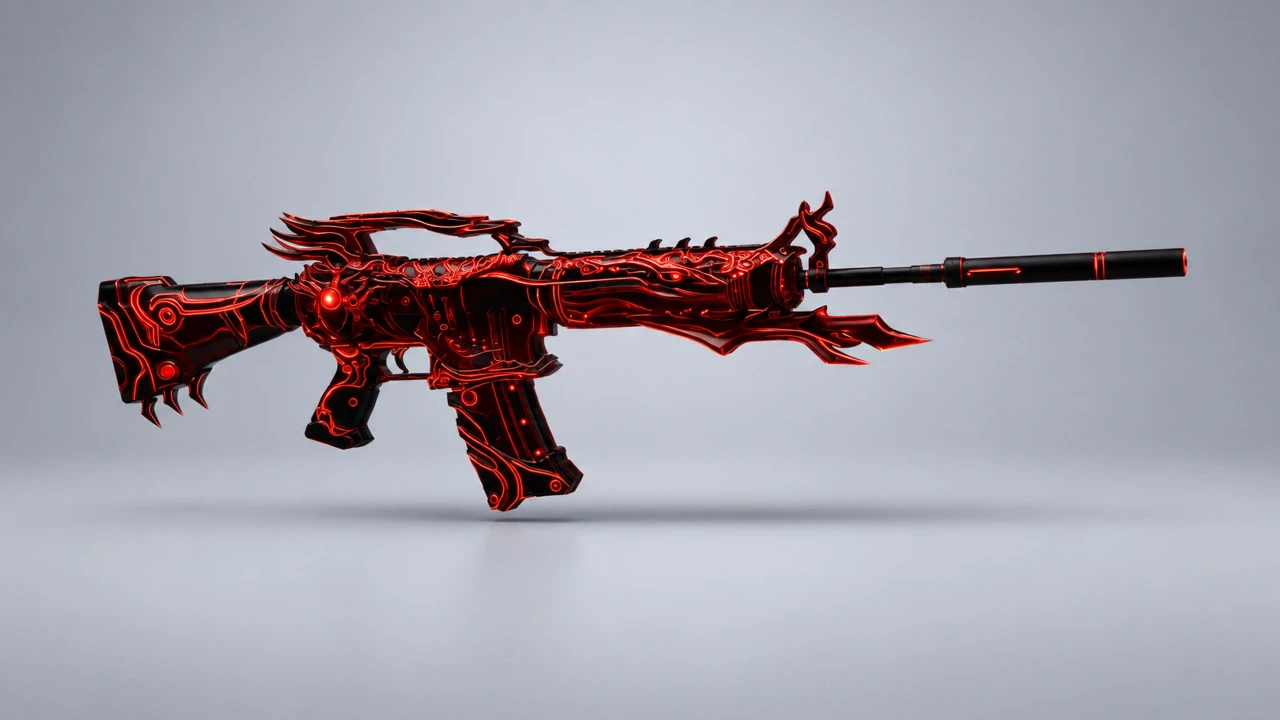
Add-on Weapons · SMGs
LE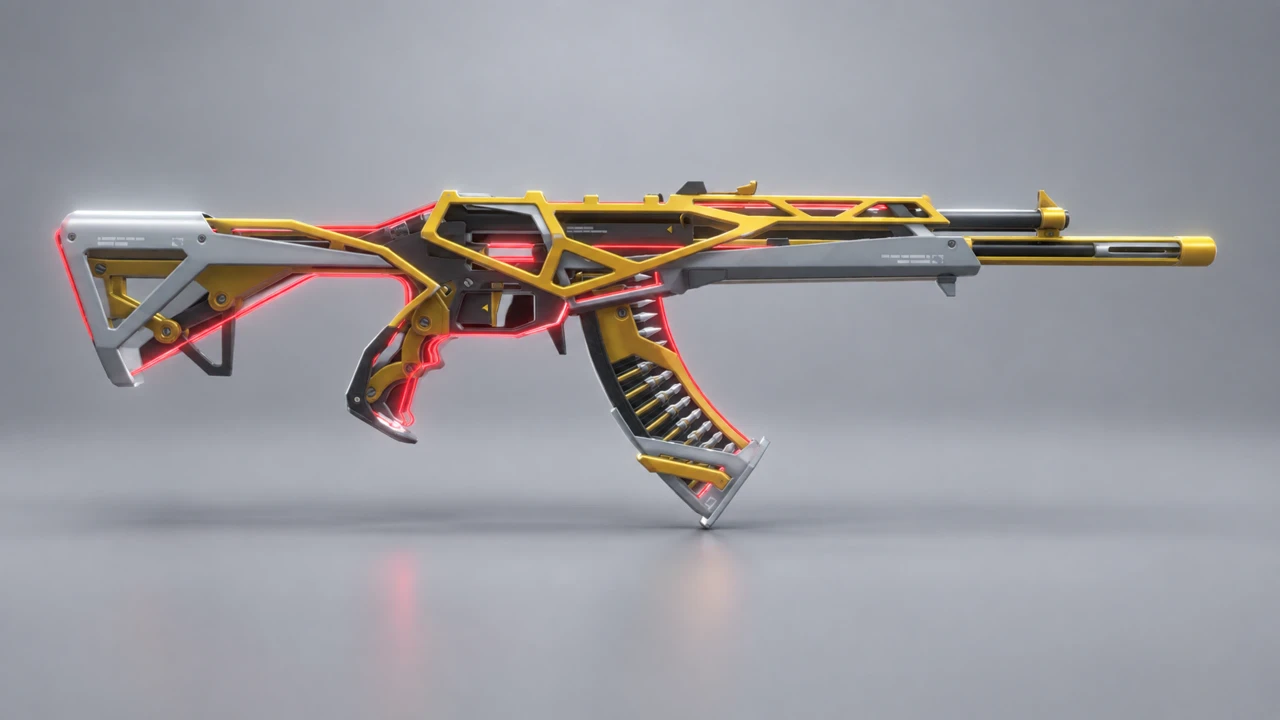
Add-on Weapons · Rifles
LE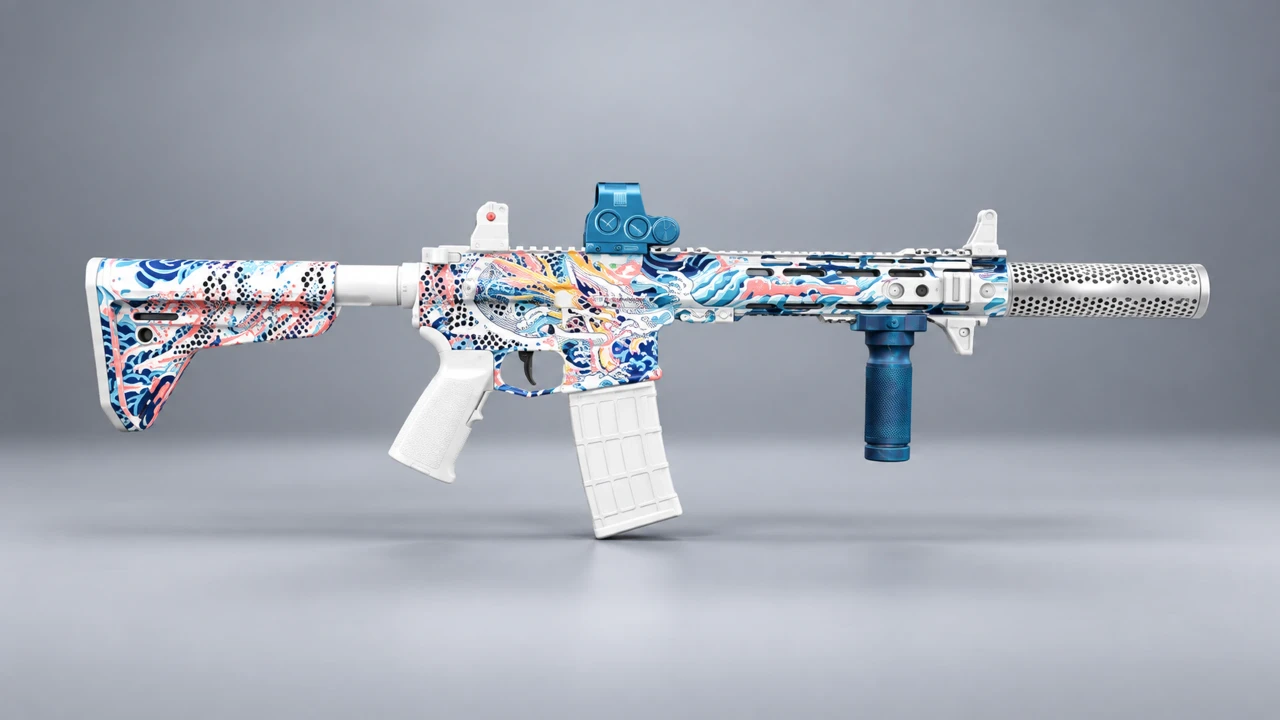
Add-on Weapons · Pistols
LE
Add-on Weapons · SMGs
LE
Add-on Weapons · Rifles
LE
Add-on Weapons · SMGs
LEHow it works
Install NicG Launcher and create an account with your email. The app finds your GTA V folder automatically.
Browse by category, check the screenshots, hit Install. The app takes care of copying files and load order.
Hit Play right in the app. Bored? Uninstall - the game goes back to how it was before.
Explore each tier's benefits before choosing your plan.
Ask questions, show off screenshots, report bugs and be the first to hear about new mods.