Download NicG Launcher
For Windows 10/11 64-bit. Requires a legit copy of GTA V (Steam, Epic or Rockstar), Legacy or Enhanced.
Download installerIf Windows shows a warning
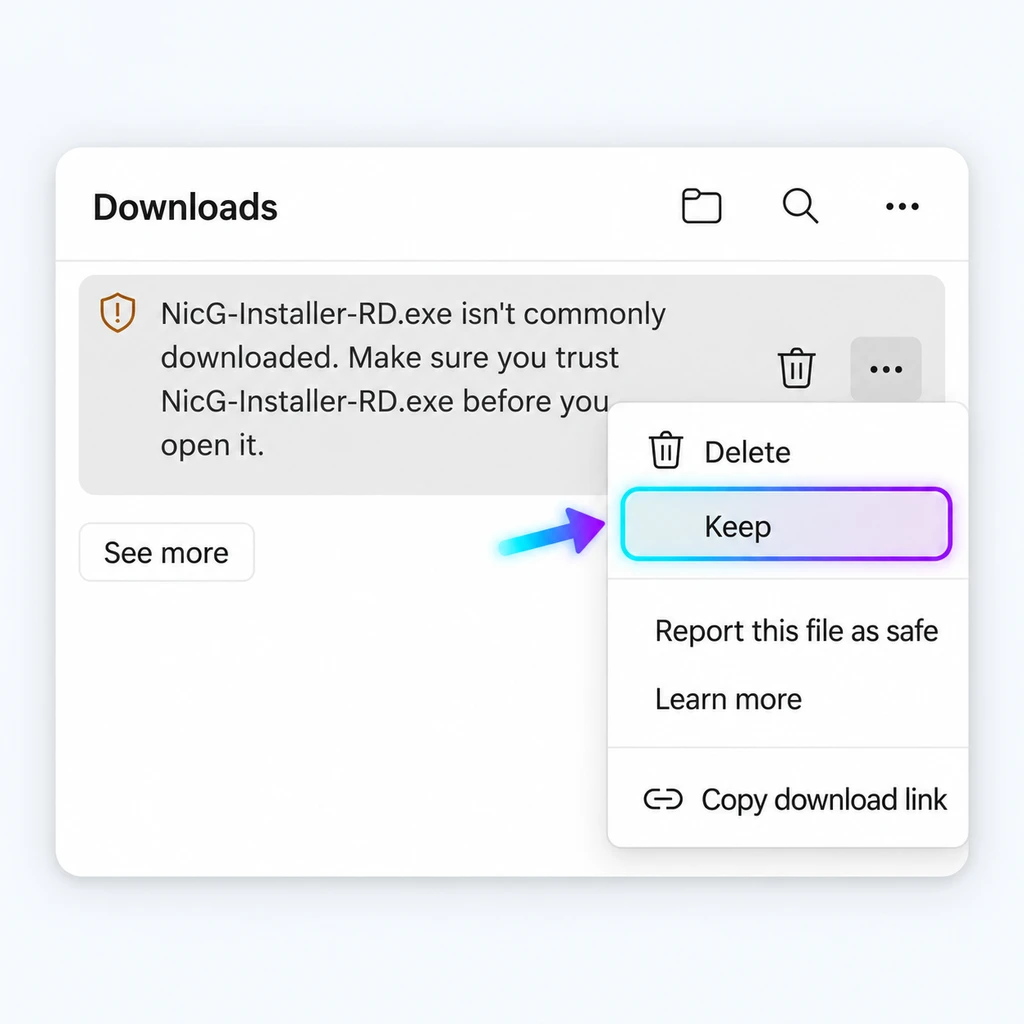
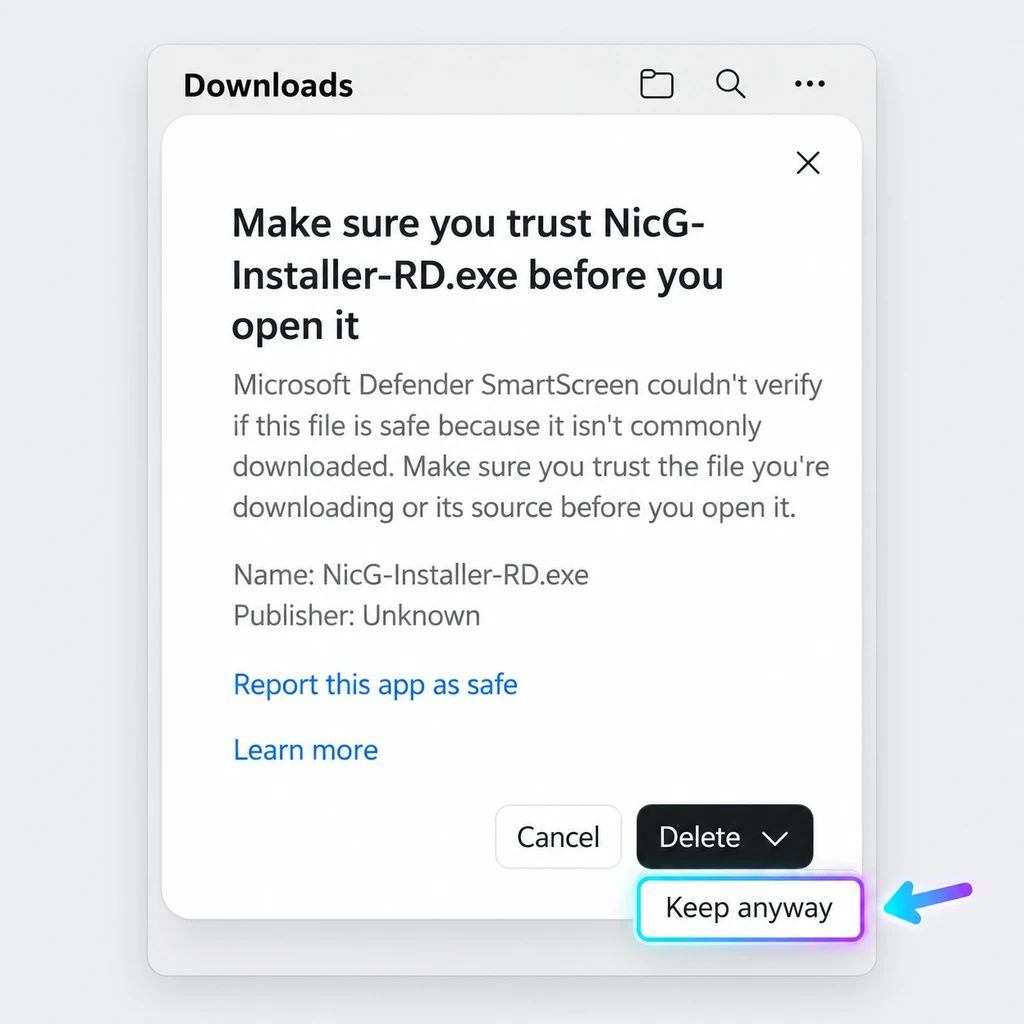
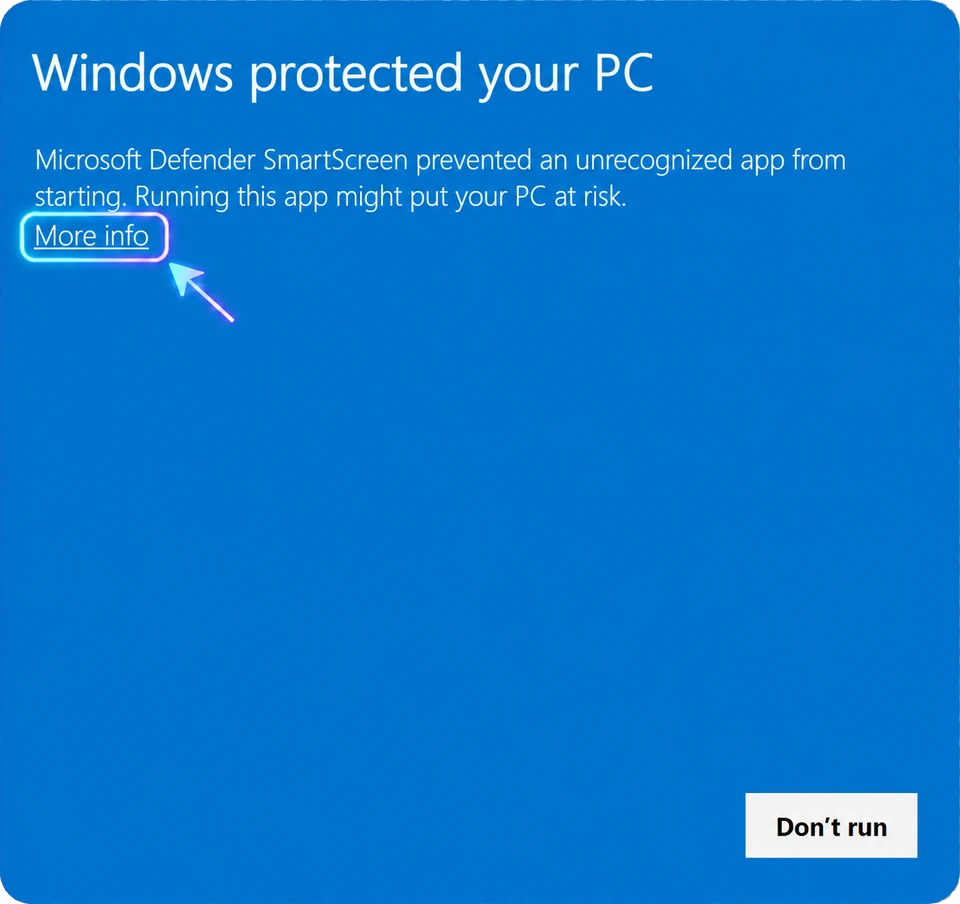
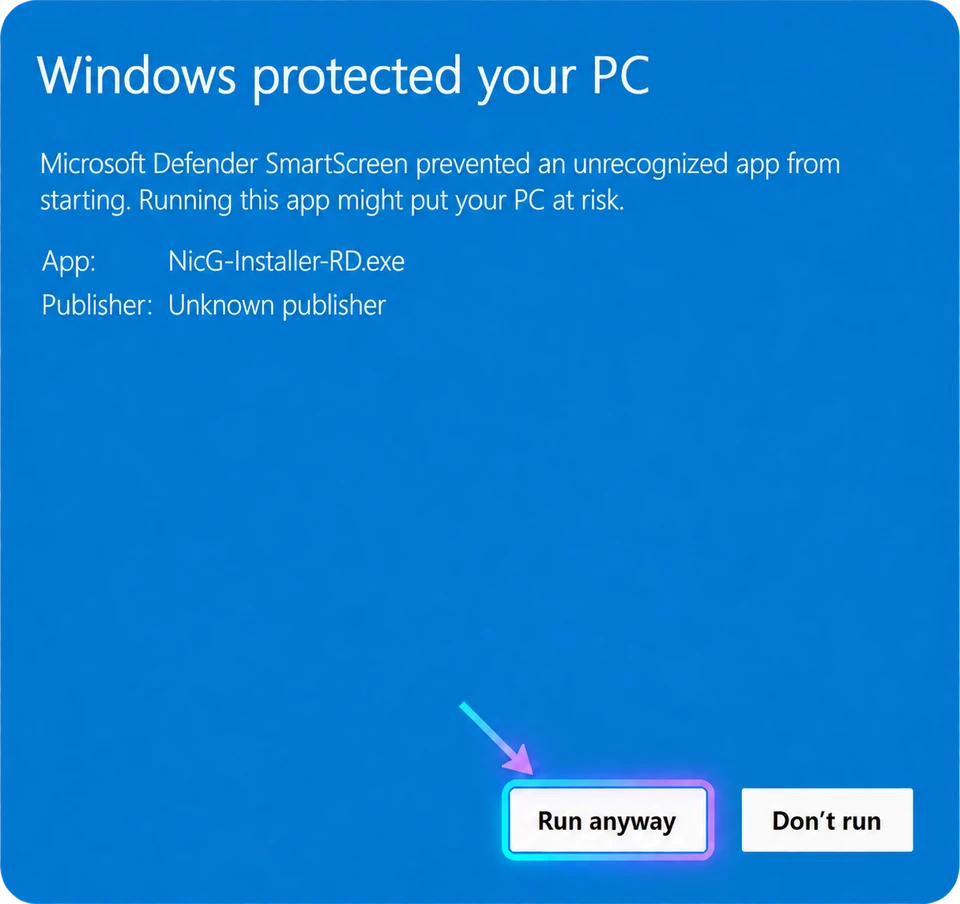
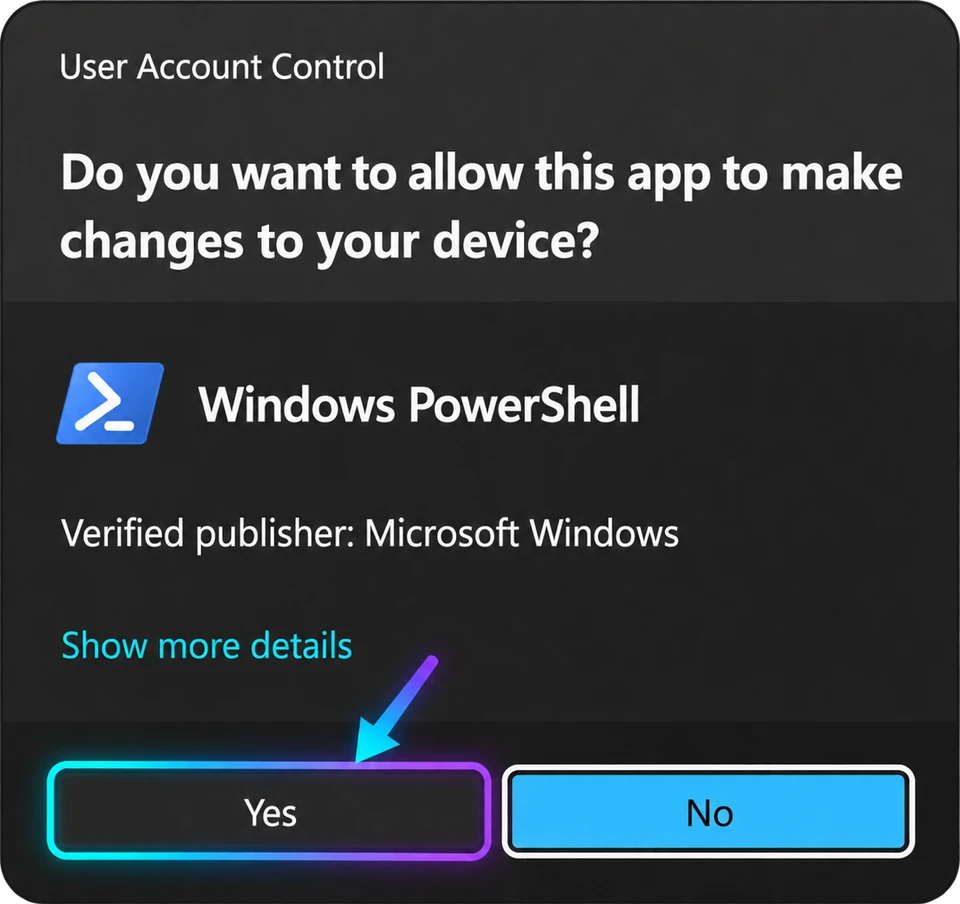
- Run the installer from the official source. If Windows shows a warning, check the download source and the warning details before continuing.
- Open the app, sign in or create an account with your email.
- Choose Legacy or Enhanced, follow the game source setup guide, then open the Mod Catalog to Install and Play.
⚠ Your registration OTP may end up in your Spam folder. If you don't see it in your Inbox, please check your Spam folder!
One account per gaming PC. Switching PCs: send a request right in the app. On the website you can sign in from anywhere.