NicG Launcher

NG Launcher for mobile

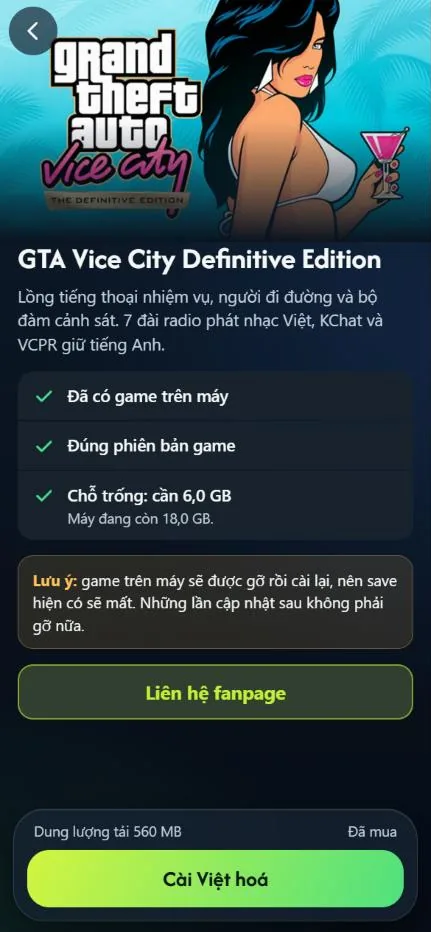
Vietnamese voiceover for GTA on phones and tablets. Purchase and install directly in the app using your NG account, shared with NicG Launcher on PC.

NG does not provide games. You install the game yourself; NG Launcher only installs voiceovers, Vietnamese localization, and mods.

Select game, tap Install Vietnamese translation
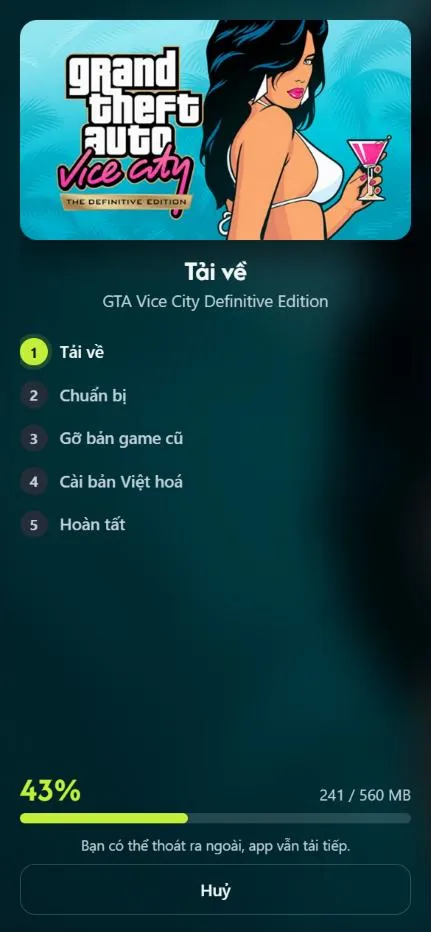
The app downloads and installs automatically
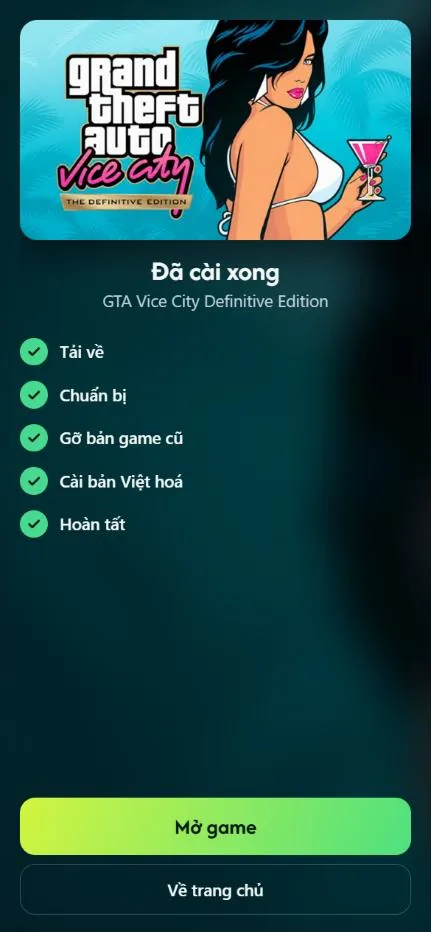
Done, launch the game and play

Android

Coming soon
Download NG Launcher (.apk)

Under development, download available soon.

Have a PC? Connect a USB cable, open NicG Launcher, go to Mobile, Android, Install NG Launcher app.

Contact fanpage
iPhone, iPad

Coming soon

Work in progress. First-time installation requires a Windows PC because the app is signed with your Apple ID:

  1. Connect your iPhone to a PC, open NicG Launcher, go to Mobile, iPhone iPad, Install NG Launcher app.
  2. On iPhone: Settings, General, VPN & Device Management, Trust your Apple ID.
  3. Install LocalDevVPN from the App Store, then tap Connect to let the app renew automatically.
Contact fanpage

Nintendo Switch

Coming soon

Under development. GTA Vice City Definitive Edition already has voice acting, install via NicG Launcher on PC.

Contact fanpage

Vietnamese voiceover games on Android

  • GTA III Definitive EditionVietnamese voiceover, text, and subtitles, Vietnamese radio
  • GTA Vice City Definitive EditionVietnamese voiceover, text, and subtitles, 9 Vietnamese radio stations
  • GTA San Andreas Definitive EditionVietnamese voiceover, text, and subtitles, Vietnamese radio
  • Grand Theft Auto VFull story voiceover, NG Trainer, mod library. Contact the fanpage for instructions