Install NG Launcher on iPhone, iPad
Apple does not allow installing apps directly outside the App Store, so a Windows PC is required the first time: NicG Launcher signs the app with your Apple ID and installs it via cable. After that, the app auto-renews directly on the device without needing to reconnect to PC.
NG does not provide games. You install the game yourself; NG Launcher only installs voiceovers, Vietnamese localization, and mods.
- A Windows PC with NicG Launcher installed, logged in to your NG account. Download NicG Launcher for Windows
- A cable connecting your iPhone or iPad to a computer.
- An Apple ID (a secondary Apple ID is recommended). Your password is sent directly to Apple, never to NG.
On PC
- 1
Open the Mobile page, install Apple drivers
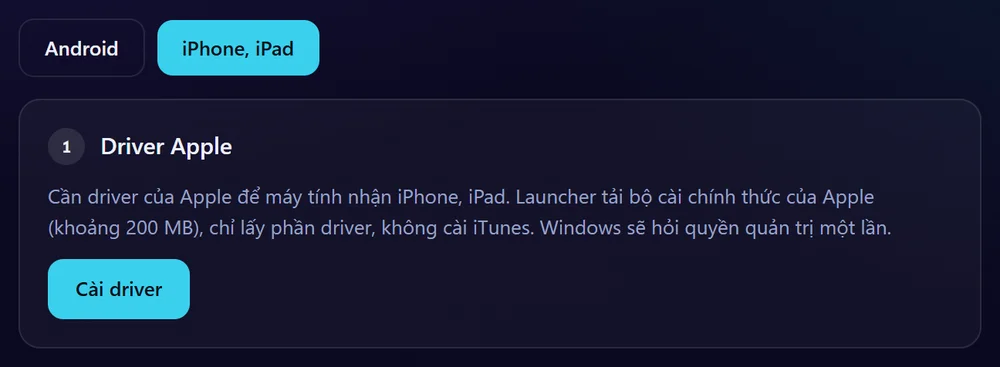
Open NicG Launcher, go to Mobile, select iPhone, iPad. For the first time, click Install driver: launcher downloads the official Apple installer (approx. 200 MB), extracts only the drivers, and does not install iTunes. When Windows prompts for administrator permissions, click Yes.
- 2
Plug in and connect your iPhone or iPad
Plug in the cable and unlock your device. If your iPhone asks "Trust This Computer?", tap Trust and enter your passcode. The page detects your device automatically; tap Connect if prompted.

- 3
Sign in with Apple ID
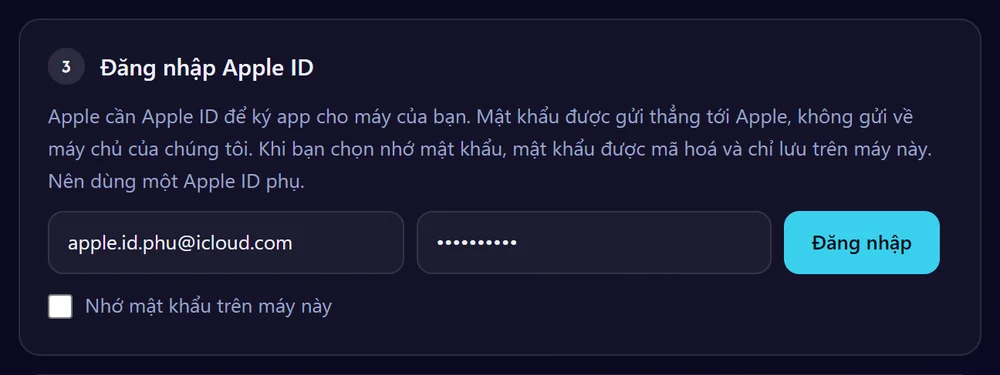
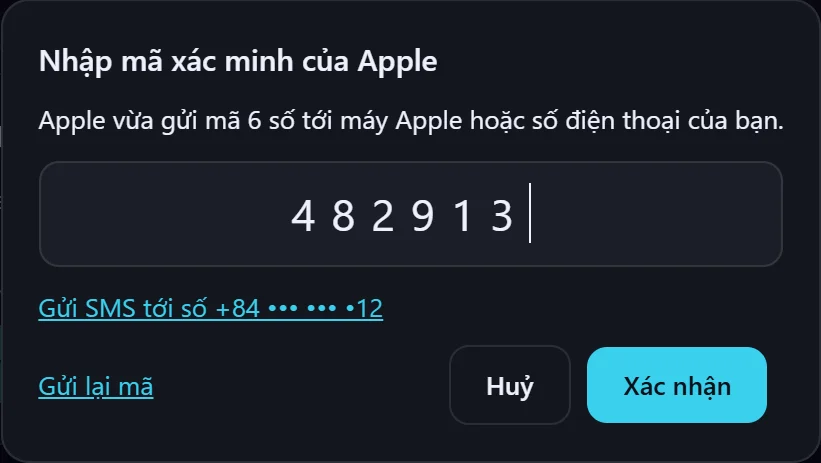
Enter your Apple ID and password, then click Sign in. Apple sends a 6-digit code to your iPhone or phone number: enter the code and click Confirm. Check Remember password if you want to skip entering it next time (stored encrypted on this PC only).
- 4
Install NG Launcher
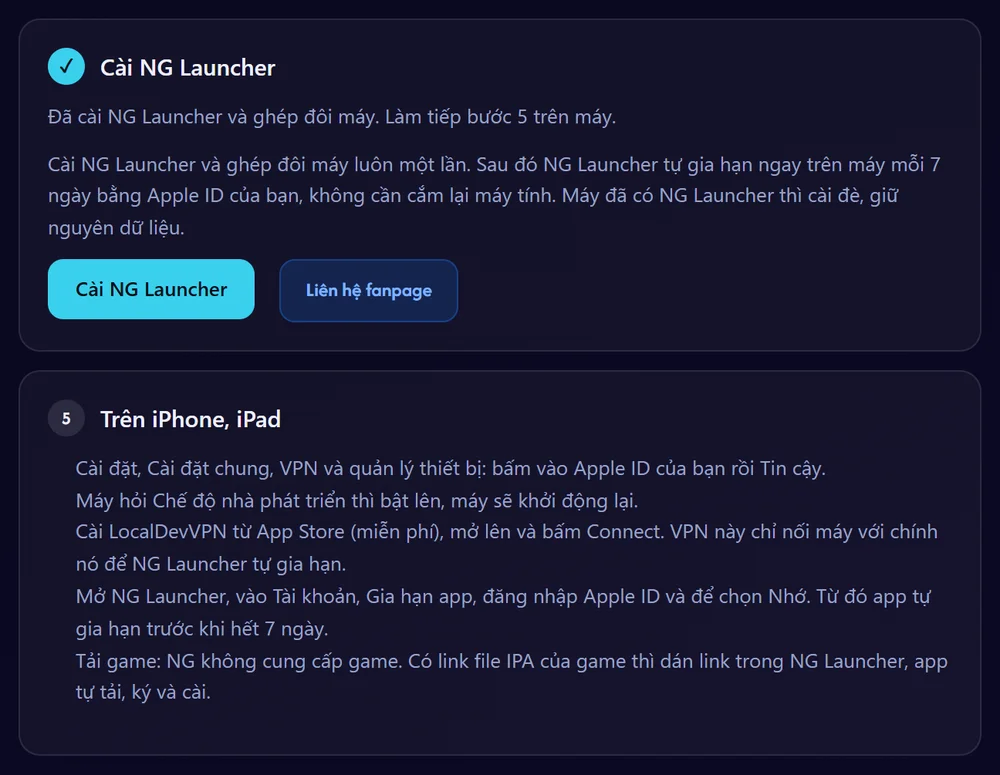
Click Install NG Launcher and wait a few minutes until completed. If your device already has NG Launcher, it will overwrite it while preserving your data.
On iPhone, iPad
- 5
Trust Apple ID and enable Developer Mode
- Settings, General, VPN & Device Management: tap your Apple ID, then tap Trust.
- Settings, Privacy & Security, Developer Mode: turn on, restart the device, unlock, then tap Turn On.
- 6
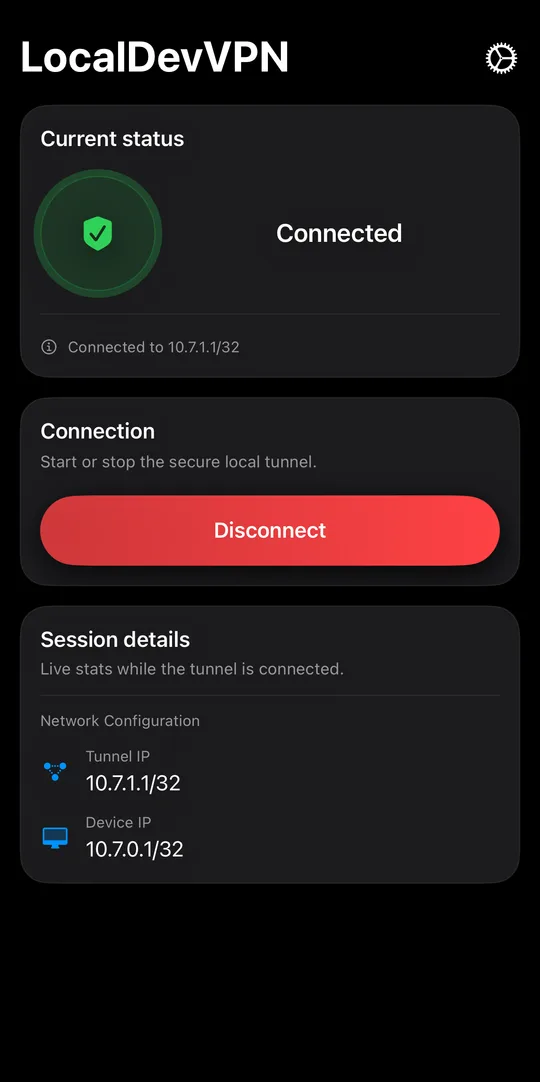
Install LocalDevVPN and click Connect
Download LocalDevVPN for free on the App Store, open it, tap Connect, and allow adding the VPN configuration. This VPN only connects the device to itself so NG Launcher can auto-renew, without changing your network.
- 7
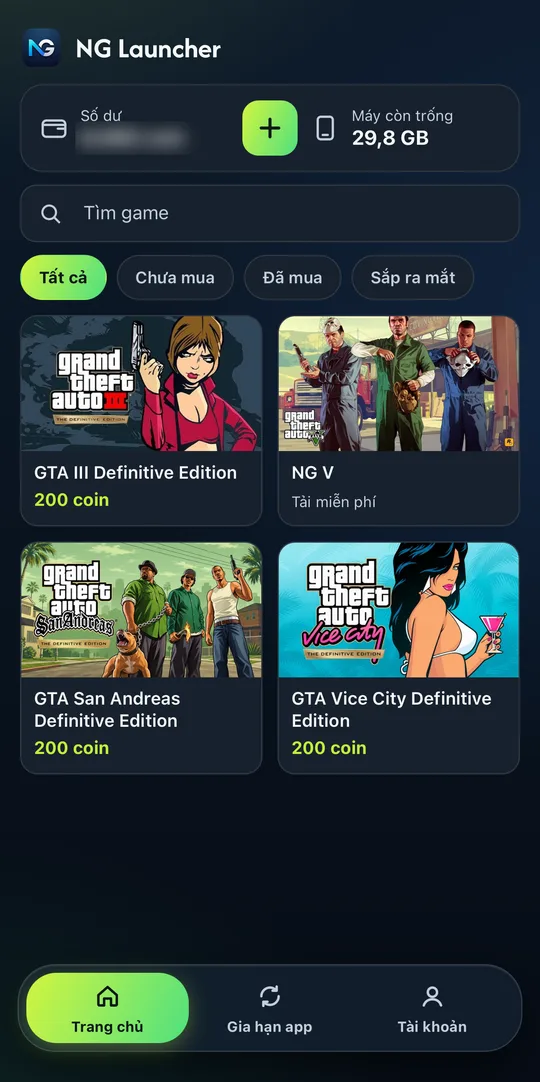
Open NG Launcher, log in
- Sign in to your NG account in the Account tab (same account as on PC; coin and unlocked mods are shared).
- Go to the App Renewal tab, sign in with your Apple ID and check Remember: the app will auto-renew before the 7-day expiration.
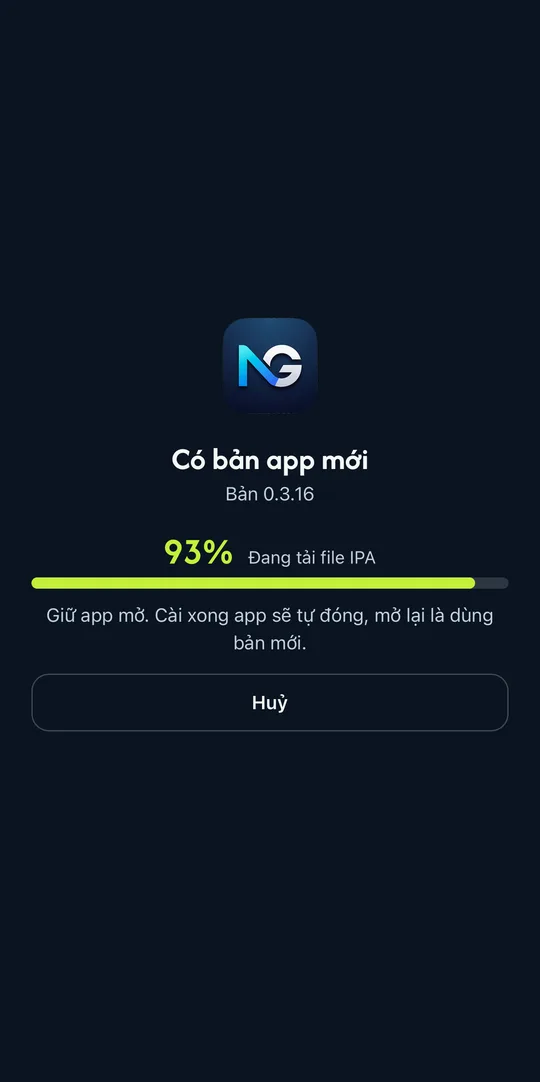
- When a new update is available, the app automatically downloads and installs it. Reopen to use the latest version.
- 8
Install game and Vietnamese translation
Select a game on Home. If you have the game's IPA link, paste it in; the app will automatically download, sign, and install it. Then click Install Vietnamese Translation.
- Free Apple IDs can sign up to 3 apps at once, and each app expires after 7 days. Keep LocalDevVPN Connected so NG Launcher can auto-renew.
- If the app expires or won't open: reconnect to PC, go to Mobile, iPhone iPad, and click Install NG Launcher again.